AR marker
Print this page at 100% scale (no “fit to page”). The black QR symbol is exactly 80 mm edge to edge.
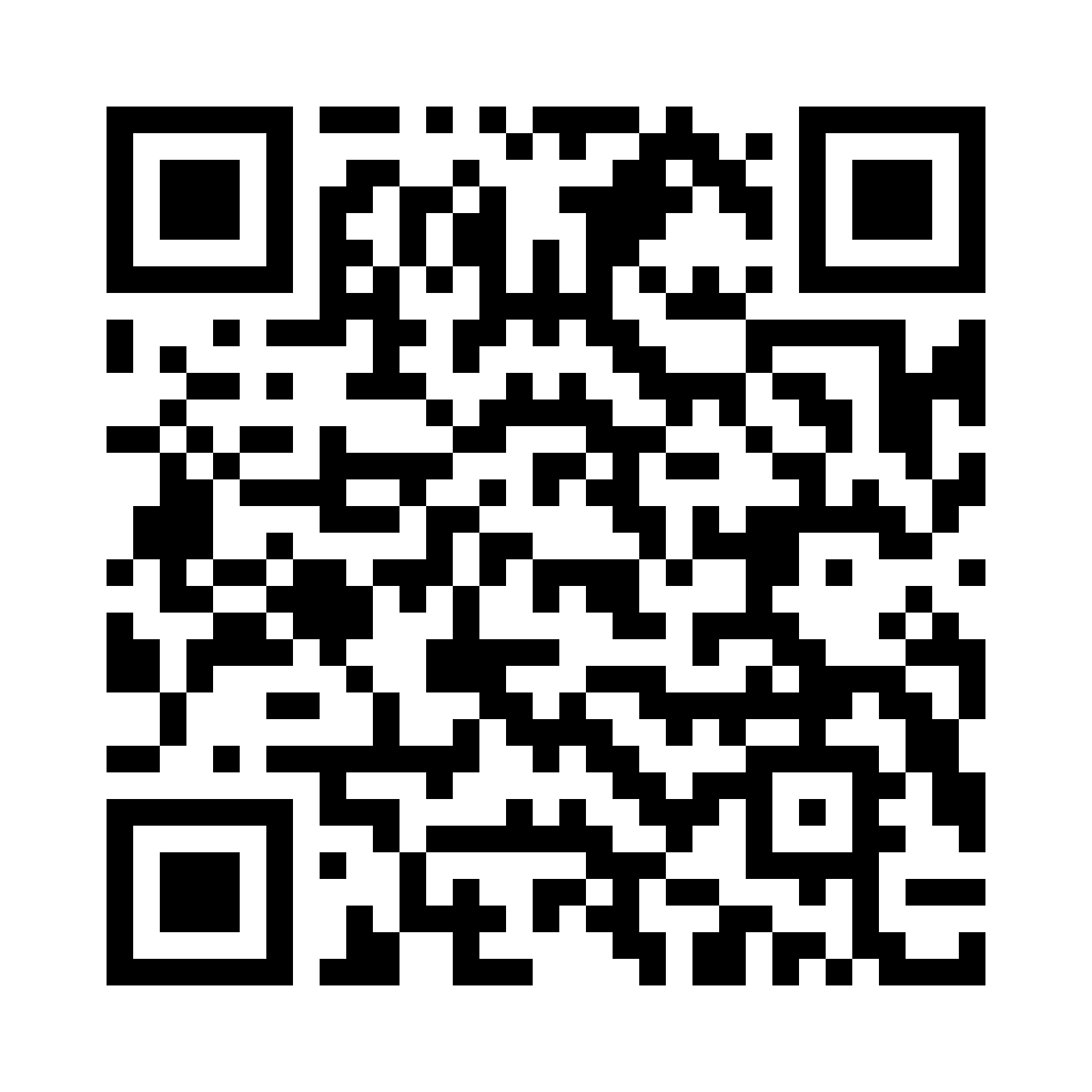
80 mm (including border)
Payload:
AR-ON-QR-MARKER:001 · 33×33 modules- Check the printed symbol with the ruler above (or any QR scanner).
- Open the AR page, allow the camera, and enter the marker edge length if you printed a different size.
- Point the camera so the whole marker is visible. The robot stands on the centre of the code.
Tip: matte paper and even lighting help tracking. Laminate or tape the sheet flat.